Stimming, Fidgets, and Movement in ADHD and Autistic Kids: What It Really Means

Stimming, Fidgets, and Movement in ADHD and Autistic Kids: What It Really Means


If you’ve ever found yourself saying:

“Can you sit still for five minutes?”
“Why are you rocking like that?”
“Stop tapping.”
“Do you have to make that noise right now?”

You are not alone.

Almost every parent of an ADHD or autistic child has had that moment — the one where the movement feels constant. The noise feels repetitive. The fidget feels distracting.

And underneath it all is that quiet question:

Why can’t they just sit still?

Let’s gently flip that question.

What if sitting still isn’t neutral?

What if sitting still actually costs them something?

What Is Stimming?

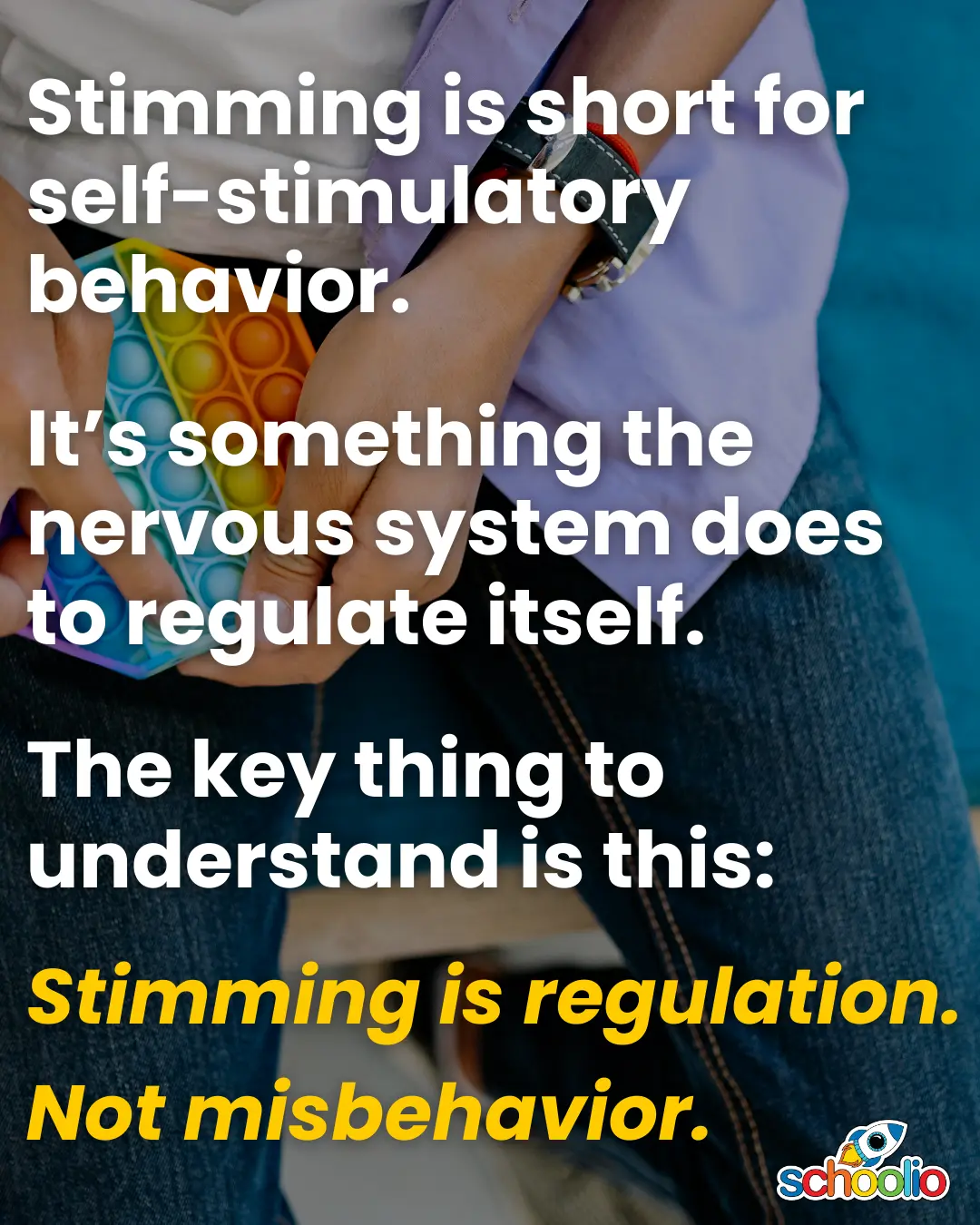
Stimming is short for self-stimulatory behavior.

That phrase sounds clinical, but the meaning is simple:

It’s something the nervous system does to regulate itself.

Everyone stims.

Neurotypical adults:

  • bounce their leg in meetings
  • click pens
  • chew gum
  • scroll their phone when anxious 

Neurodivergent kids often stim more frequently or more visibly — not because they lack discipline, but because their nervous systems require more input to stay balanced.

Stimming can look like:

Rocking.
Flapping.
Pacing.
Spinning.
Humming.
Tapping.
Chewing.
Repeating phrases.

It can also be completely internal — like song loops or counting.

The key thing to understand is this:

Stimming is usually regulation.

Not misbehavior.

Why ADHD and Autistic Brains Move More

ADHD brains are often dopamine-seeking.

Movement increases dopamine.

Autistic nervous systems are often highly sensitive — either seeking more sensory input or trying to regulate overwhelming input.

Movement organizes the body.

Movement grounds the brain.

Movement creates rhythm.

And rhythm stabilizes the nervous system.

When you see your child:

  • leaning upside down in a chair
  • sitting in “weird” positions
  • pacing during lessons
  • needing to move constantly 

You’re likely watching their vestibular system at work (that internal balance and movement system).

They aren’t moving to annoy you.

They’re moving because their brain functions better that way.


Fidgets Aren’t Distractions. They’re Tools.

There’s a common fear among adults that fidgets “distract” children.

But for many neurodivergent kids, the opposite is true.

A small amount of movement can:

  • increase attention
  • reduce anxiety
  • prevent escalation
  • improve working memory
  • support listening 

When the body gets the input it needs, the brain can focus on the lesson.

Think of it like this:

Some brains focus best in stillness.
Some brains focus best in motion.

If we demand stillness from a brain that needs motion, we’re working against biology.

When Stimming Is Suppressed

Here’s the part we don’t talk about enough.

Many neurodivergent kids learn to suppress their stims.

They learn:
“That’s weird.”
“Stop doing that.”
“People are annoyed by you.”

They mask.

And masking takes energy.

Sometimes the child who looks “calm and still” at school comes home and melts down — not because they’re dramatic, but because they’ve been suppressing regulation all day.

Movement that looks disruptive might actually be preventing collapse.

But What If It’s Too Much?

Of course, there are moments when stimming interferes — when it’s loud during a lesson, or physically unsafe, or escalating instead of calming.

The goal isn’t “allow everything always.”

The goal is to ask:

Is this regulating or dysregulating?

If it’s regulating, we support it or modify it.

If it’s dysregulating, we help redirect it to something safer or more grounding.

Instead of saying, “Stop.”

We might say, “Looks like your body needs input. Let’s find a way to help.”

Chewelry instead of hoodie strings.
A wobble cushion instead of tipping the chair.
Pacing while memorizing instead of forcing stillness.

We shift from control to collaboration.

The Homeschool Advantage

This is where homeschooling becomes powerful.

In traditional classrooms, stillness is often equated with compliance.

At home, you get to redefine what learning looks like.

Math while bouncing (we used to do math on the trampoline a lot, especially for rote memorization tasks like multiplication facts!)
Spelling while pacing.
History while building with LEGO.
Audiobooks while swinging.

Movement doesn’t mean they aren’t learning.

Sometimes it’s the only reason they can.

The Bigger Reframe

If you take nothing else from this, take this:

Stimming, fidgets, and movement are not character flaws.

They are nervous system strategies.

And when we understand them that way, we stop asking:

“How do I make this stop?”

And start asking:

“How do I support this safely?”

That shift alone can change the tone of your home.

Once you understand stimming as regulation, everything else makes more sense.

And when parents understand, kids feel safer.

And when kids feel safer, they regulate better.

 

When Your Homeschool Program Stops Working

When Your Homeschool Program Stops Working


Lately, I’ve been hearing the same story from homeschool parents:

“We’ve used this program for years, but after the latest update it just isn’t working for us anymore. The kids hate it. I feel stuck. What else is out there?”

If that’s you, you’re not alone.

Sometimes a program that served you well in one season stops fitting in the next. Maybe your kids have grown and their needs have changed. Maybe what felt simple and reliable at first now feels limiting. Maybe the content just doesn’t line up with the kind of education you want your child to have.

That doesn’t mean you’ve failed. It just means your homeschool is evolving — and your tools need to evolve with it.

That’s why more and more families are switching to Schoolio.

Not because we’re “perfect” (no program is), but because Schoolio was designed to support the things that matter most in a modern homeschool:

Flexibility: Mix and match grade levels across subjects, skip ahead in one area and slow down in another, and create a program that fits your child instead of forcing your child to fit the program.

Future-Readiness: We go beyond the basics of math, science, and reading. Schoolio includes courses like Financial Literacy, Emotional Intelligence, and Emerging Technology — so kids don’t just learn to pass tests, they learn to thrive in the real world.

Neurodivergent-Friendly Design: Short, bite-sized lessons. Minimized distractions. Hands-on and interest-based options. Schoolio was created by homeschooling parents who know what it’s like to teach ADHD, autistic, and otherwise unique learners — because we’ve lived it.

At the end of the day, switching programs can feel like a big leap. But sometimes, it’s exactly the reset your homeschool needs.

If your current program no longer feels like a fit, that’s not the end of the story — it’s the start of building a homeschool that works better for you today.


? Lindsey

How to Schedule Lessons on the Schoolio Digital Platform

How to Schedule Lessons on the Schoolio Digital Platform

Now that you have successfully added a course for your student on the Schoolio Digital Platform, you are ready to customize your learning schedule. In this blog, we will learn how to schedule lessons on the Schoolio Digital Platform.

There’s more than one way to add to your schedule on the Schoolio Digital Platform.

Did you know there is more than one way to add courses and lessons to your child’s schedule on the Schoolio Digital Platform? Let’s walk through both the options.

Option 1: Click Schedule on the Course or Unit

Option 1: Schedule

When you select the student you’d like to schedule, you can click ‘schedule’ at the bottom of the unit or course you want to add. Once you have selected the unit it will take you to the lessons page where you can schedule the course.

Select the date and time

You can now select the day and time you want your student to complete the lesson. Additionally, you will have the option to repeat the lesson plan with how you’d like. Then you are able to select the interval for 1 week, 2 weeks or more.

Option 2: Schedule from the planner

Calendar Overview

Once on the Calendar overview, you can schedule a lesson by selecting the ‘schedule lesson’ button.

Calendar Overview

When you click ‘schedule lesson,’ you will see the menu to select the lesson that you’d like to add to the schedule. Select the course, unit and lesson, then select the day and time. You can either click ‘save’ and continue on or ‘save and new’ to add additional lessons to the planner.

Now you can get started!

Now that you have added a lesson to the planner, you are ready to start learning! Enjoy and have fun!

If you aren’t seeing all the courses you’d like for your child, you can always add more! Click here to learn about adding a course to the Schoolio Digital Platform.

We hope you and your student will enjoy The Schoolio Digital Platform with over 4,000+ videos, interactives, and pre-made or custom lessons to suit your student’s learning style. If you need clarification about how to get started, we are happy to help.

Book a Concierge Call.

If you need help with how to get started or what programs would best suit your child’s learning needs, then you can chat with one of our experts on a one-on-one Concierge Call, completely free!
Click here to book a Concierge Call. 

Do you need further information about how to schedule a lesson?

Check out this thorough explanation video on adding to the planner on the Schoolio Digital Platform!

https://youtu.be/v0hpiwRJwLU

Click here for video.